Module Overview
Native iManage Integration
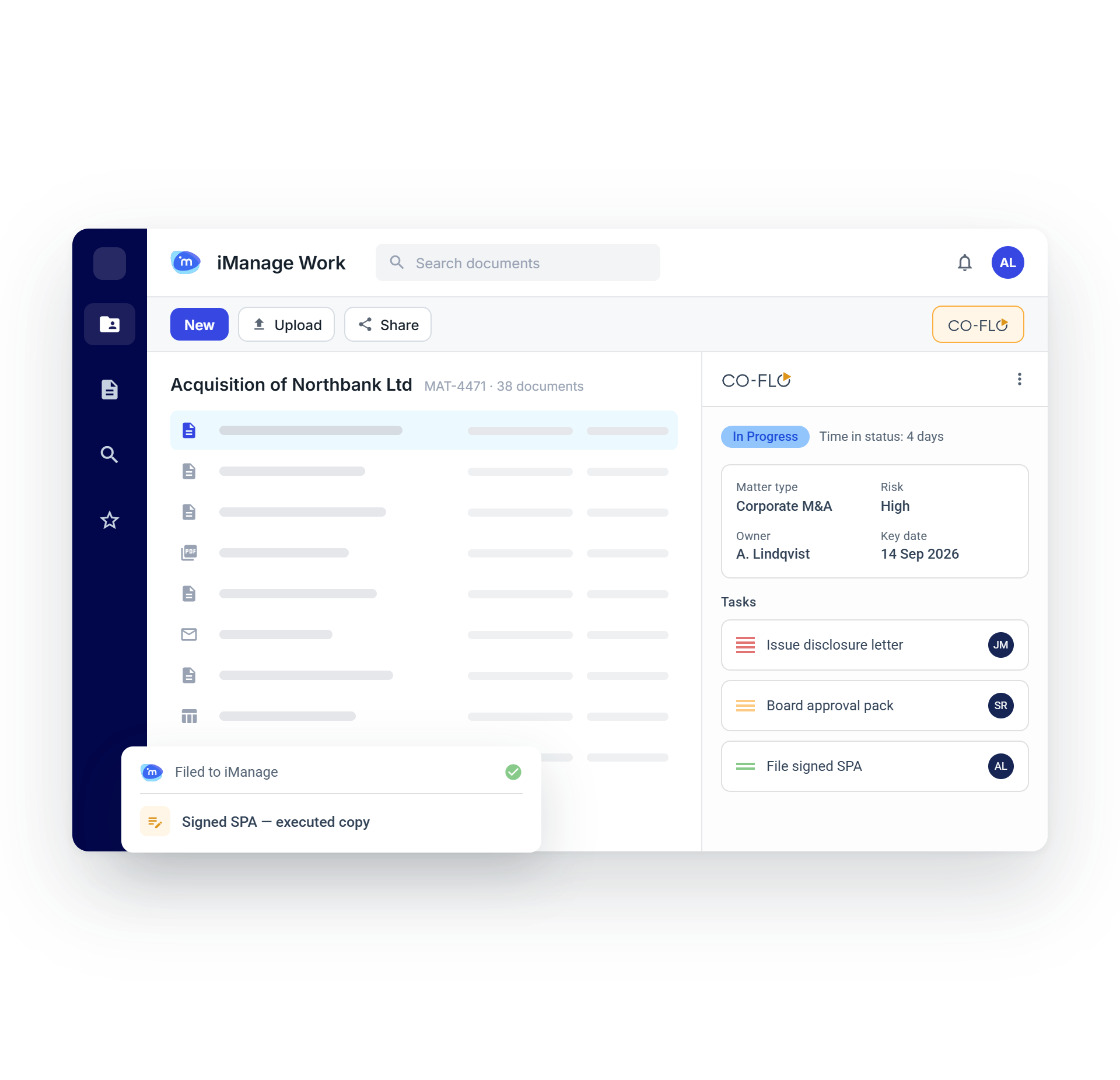
Co-Flo integrates directly into iManage Work, adding value to what you already get from your document management system.
Our aim is to enhance your current processes, not force new ones. Co-Flo fits into the iManage interface as an action button in the toolbar and an item in the menu. Users can start using Co-Flo functionality in their everyday tasks right away, with no learning curve to work around.
Boost productivity while managing risk tightly with Co-Flo Enterprise and iManage Work.
Unlimited Metadata for Deeper Insights
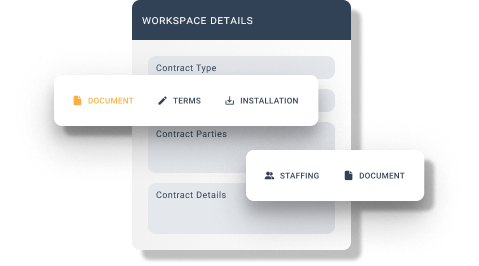
Co-Flo expands on iManage's metadata functionality, letting you create unlimited fields for each matter, case and entity.
Capture all the information your business needs for deeper insight into process and performance.
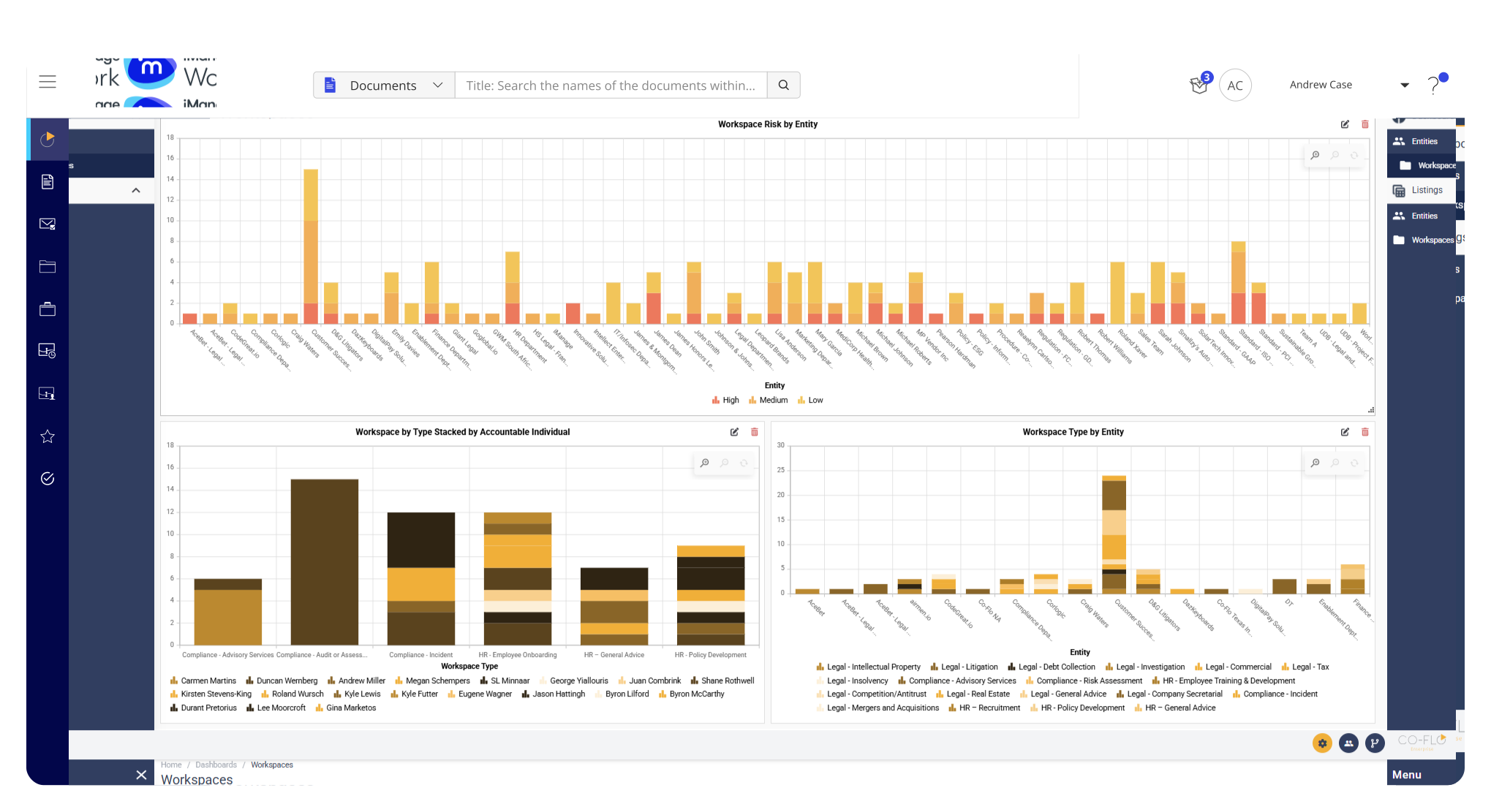
One Platform for Work and Entity Management
Co-Flo brings Work and Entity Management into iManage, creating a single source of truth for your business data in one platform. From the Co-Flo interface, users access the Work, Matter and Entity Management modules directly within iManage Work.
Expand the Use of iManage Across Your Business
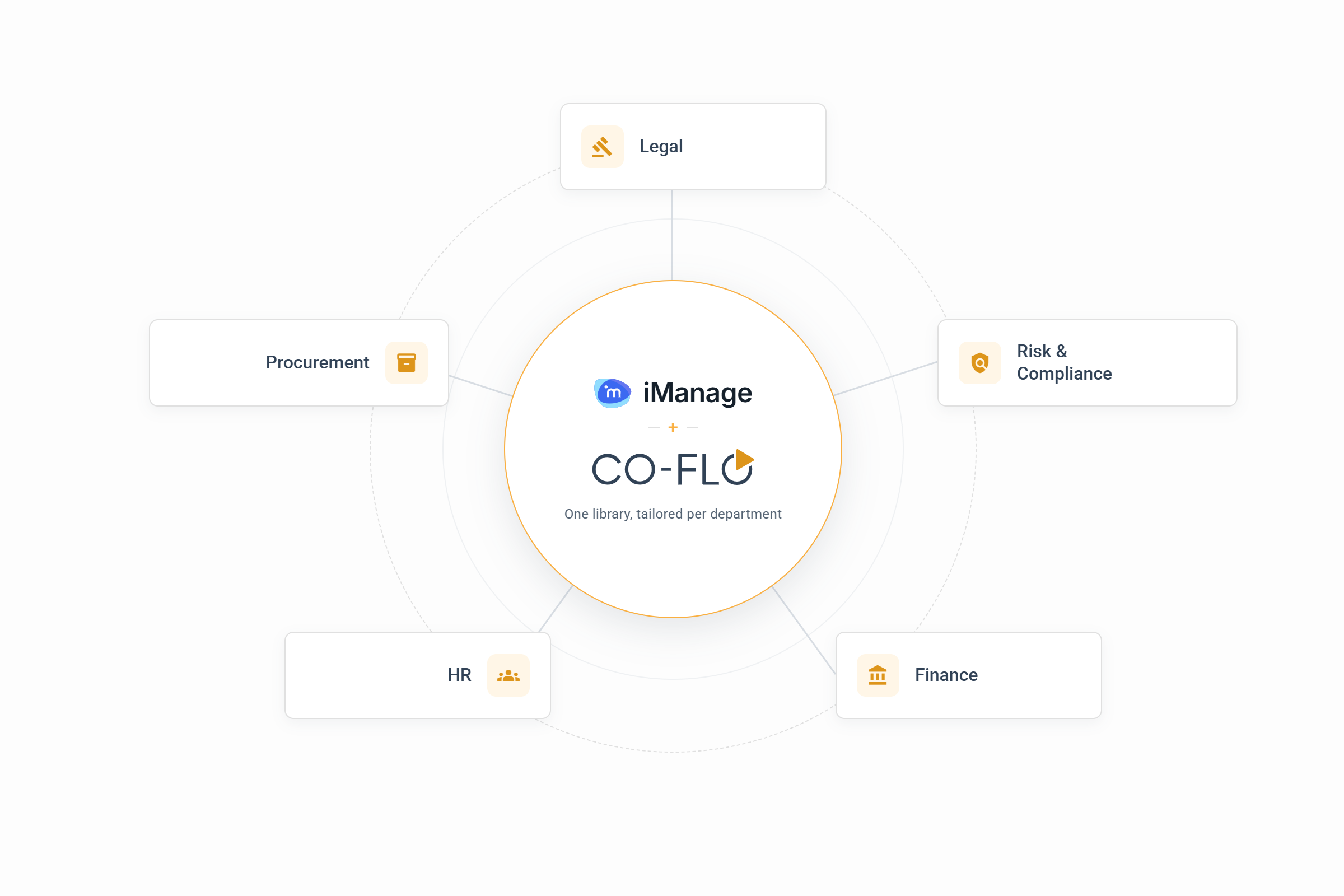
Co-Flo Entity Management lets different departments in your business share the same iManage library, each working in a format suited to its own processes. Smart Forms can be tailored to each department's matter type, so no team has to force its process to fit the system.
This means teams can collaborate in the same workspace when needed, without downloading and emailing sensitive documents between systems.
Serve Your Clients Better
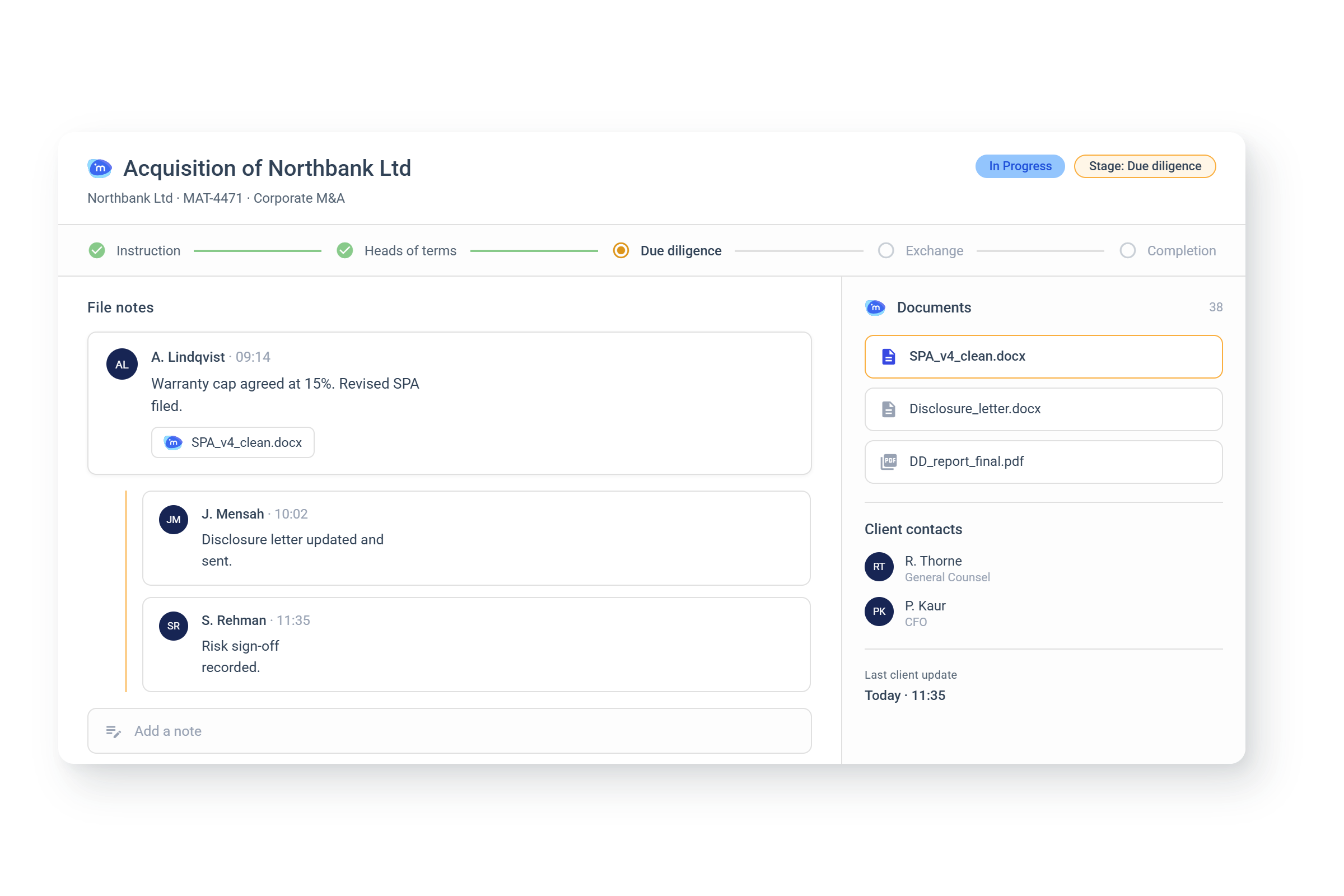
Multi-layered file notes bring your team's updates on a matter or client into the same place as the related documents. No switching tools to see where things stand.
Set a status and stage at the Work or Entity level so nothing gets missed. You get full visibility and control over your matters in one platform.
Automate eSignature Sending and Filing
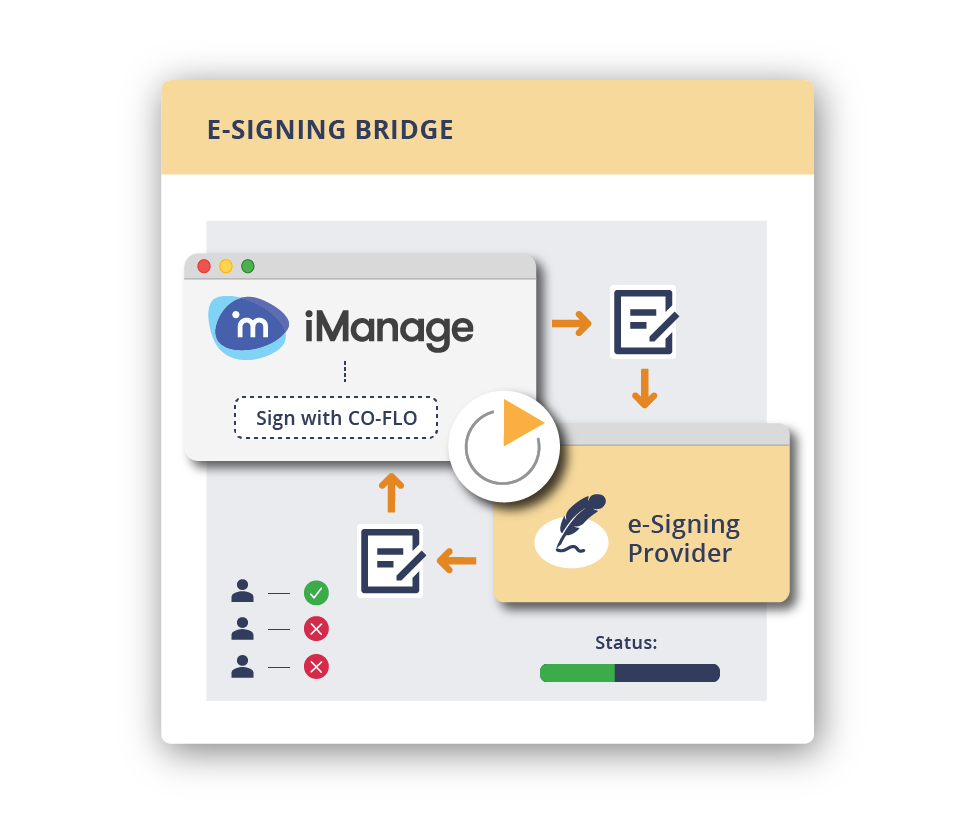
Send documents for signature with DocuSign or Adobe Sign directly from iManage, then let Co-Flo monitor for updates and automate escalations.
Once signed, Co-Flo downloads the document from your eSignature platform and files it in the correct iManage folder automatically.
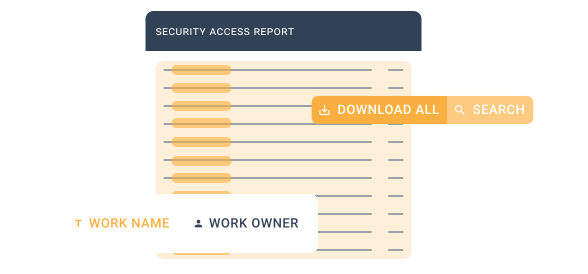
Granular Security and Access Management
Get full control over your data security. Co-Flo uses the security controls and roles defined in the iManage Security Policy Manager (SPM) to protect and archive data once work is complete. Set security and access controls at the role, group, individual, case or entity level.